Do Chart Screenshots Affect Analysis? What Traders Miss
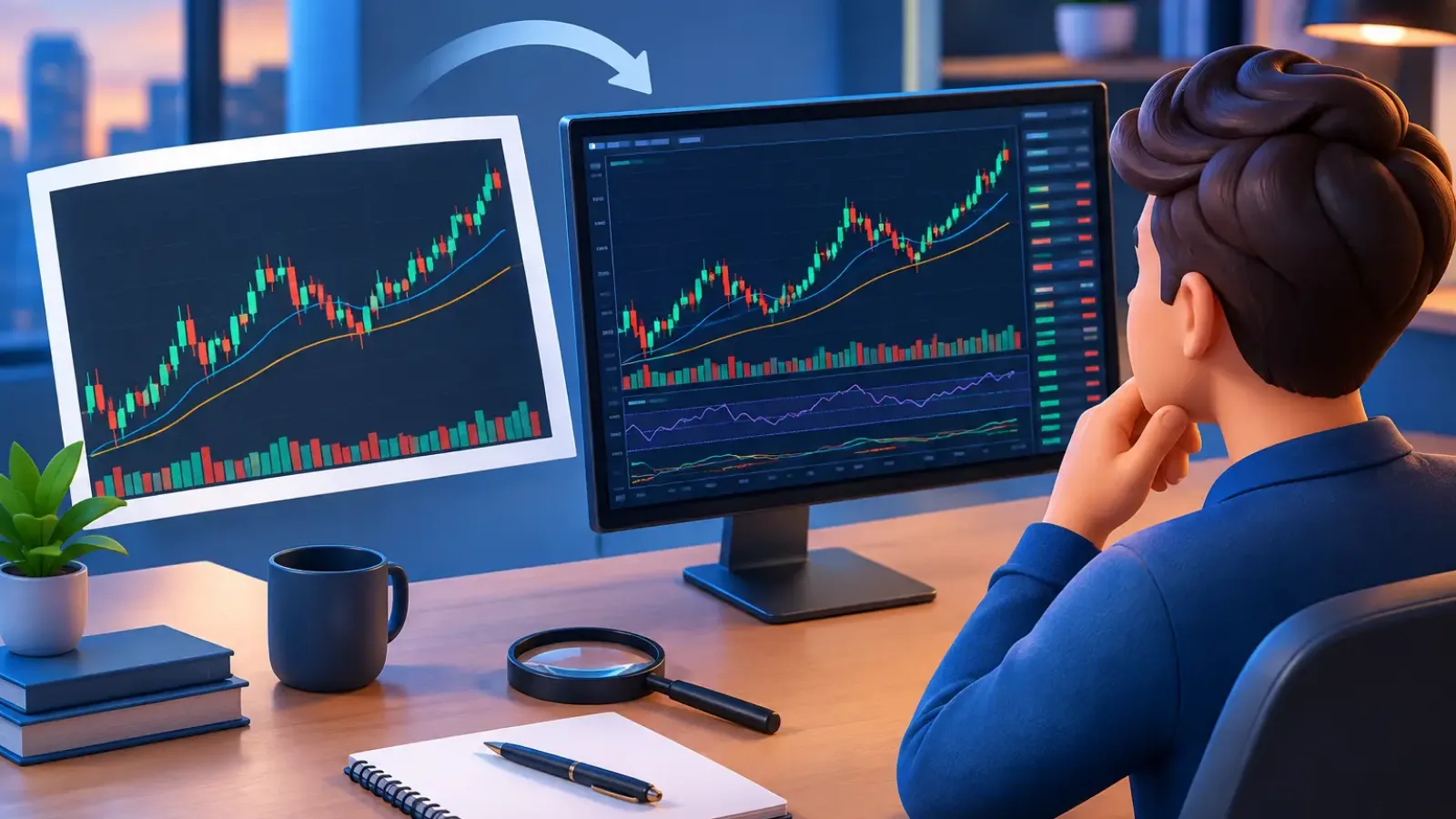
A chart screenshot can preserve a valid setup or quietly distort it. So, do chart screenshots affect analysis? Absolutely. The price action has not changed, but the evidence available to you has. A cropped level, unreadable time frame, compressed candles, or hidden indicator setting can turn a high-quality review into a low-confidence trade idea.
For active traders, screenshots are often the fastest way to share a setup, document a trade, or get an AI-powered chart review. Speed is valuable, but only when the image contains enough accurate context to support a decision. The goal is not a perfect-looking chart. It is a chart that makes trend, structure, levels, and invalidation clear.
How Chart Screenshots Affect Analysis
A screenshot is a visual interpretation of market data, not the full data feed. It freezes one moment in time and removes much of the platform context around it. That does not make screenshots unreliable. It means the quality of the screenshot directly affects how confidently a trader, analyst, or AI system can identify the setup.
The biggest issue is usually not whether candles are visible. It is whether the image shows the relationship between candles, price levels, time frame, and indicators. A bullish breakout on a five-minute chart can be a rejection into daily resistance. Without higher-time-frame context, both readings may sound reasonable, but only one may fit the larger market structure.
Screenshots also remove live information. Spread, order flow, volume updates, developing candles, and rapidly changing news conditions may not be visible. Treat the screenshot as a structured snapshot, then confirm anything that depends on live conditions before executing.
What a Screenshot Can Change
Time-frame ambiguity changes the trade thesis
Time frame is one of the most important labels on a chart. A support zone on a one-hour chart carries a different weight than a small reaction level on a one-minute chart. If the time frame is cut off or too small to read, analysis can assign the wrong importance to a level.
This matters most when traders use tight stops. A short-term entry might look precise on a lower time frame, yet sit directly inside a broader consolidation range. The chart is not wrong. The trade plan becomes incomplete because the screenshot does not reveal the full structure.
Always keep the symbol and time frame visible. If you are reviewing a potential swing trade, include enough historical candles to show the larger trend and the nearest major support or resistance.
Cropping can hide the levels that matter most
A close crop may make an entry pattern easier to see, but it can remove the reason not to take the trade. Resistance just above price, a prior liquidity sweep, or the top of a range often sits outside a narrow image.
The practical trade-off is simple: a zoomed-in chart is useful for timing, while a wider chart is useful for context. When possible, capture both. One image should show the broader market structure. The second should show the entry area, stop location, and target with enough detail to assess risk versus reward.
If you only upload one chart, prioritize context over cosmetic detail. A slightly smaller candle view is usually more useful than a perfectly enlarged pattern with no visible room to the left or right.
Image quality affects level precision
Blurry images, aggressive compression, dark-on-dark color schemes, and oversized drawing tools make technical analysis less precise. This is especially true around support and resistance. A reviewer may see a horizontal line but not know whether it marks a daily close, a wick extreme, a moving average, or a manually drawn zone.
Candlestick bodies and wicks must be distinguishable. Price labels should be readable. Trendlines, Fibonacci levels, and volume bars should not overlap to the point that they obscure price action. These details influence where an entry is valid and where the idea is invalidated.
Do not assume more resolution always solves the problem. A very large screenshot can still be difficult to interpret if the chart is cluttered. Clear labeling and sensible zoom matter more than raw pixel count.
Indicator settings can create false confirmation
Indicators are only meaningful when their settings and scale are understood. An RSI reading near 70, for example, means little if the period or time frame is unknown. The same applies to moving averages, VWAP, volume profile, MACD, and custom scripts.
A screenshot should make it clear which indicators are present and avoid burying price beneath them. If an indicator drives the trade thesis, make its name and key setting visible. If it is not relevant, remove it from the image.
This is not about stripping a chart down to nothing. It is about separating decision-critical signals from visual noise. A clean chart helps you see whether several independent factors truly align or whether one indicator is merely repeating information already visible in price.
The Information Screenshots Cannot Provide
Even an excellent image has limits. It cannot reliably communicate the full sequence of intrabar movement, recent news, your account risk limits, or why you marked a level in the first place. It also cannot show whether the current candle is still forming unless the timestamp and live status are clear.
That limitation matters when traders mistake a screenshot analysis for a trade command. Technical analysis identifies probabilities, levels, and scenarios. It does not remove uncertainty. A chart that looks bullish may still fail at resistance, and a clean short setup may be invalidated by a market-wide move.
Use screenshot analysis to organize the decision: identify the trend, map key levels, define the trigger, and set the invalidation point. Then check current price and market conditions before entering. The screenshot should sharpen discipline, not replace it.
How to Capture Charts That Produce Better Analysis
Before taking a screenshot, start with the decision you need to make. Are you evaluating trend direction, planning a breakout entry, managing an open position, or checking whether price has reached a key level? Your answer determines the right zoom level and the information that must remain visible.
For most trade reviews, show the ticker or market pair, time frame, current price scale, and enough candles to establish structure. Keep relevant volume visible when participation matters. Mark support, resistance, entry, stop, and target only when those drawings reflect your actual plan. Too many arrows and boxes can make a simple setup look more certain than it is.
Use a consistent chart layout. The same color scheme, indicator set, and level-marking method make it easier to compare setups over time. Consistency also helps you identify a common problem in your own process, such as entering breakouts too close to higher-time-frame resistance.
For an AI review, clarity is even more valuable. ChartViews AI can assess the visual structure in an uploaded chart and return a faster, structured view of trends, support and resistance, and potential entry and exit areas. The more readable the image, the more confidently the analysis can distinguish a meaningful level from a decorative line or a compressed price label.
A Better Workflow: Context First, Timing Second
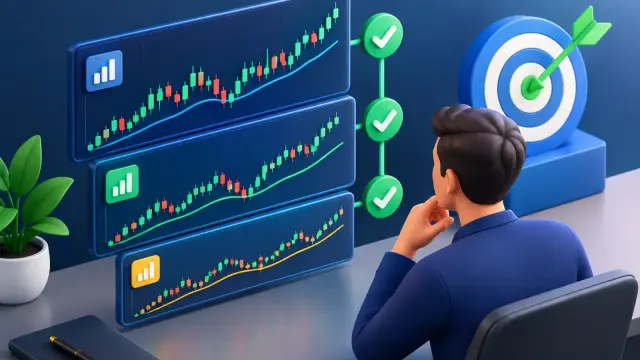
The strongest screenshot workflow uses two layers. First, review a wider chart to establish direction and major decision zones. Is price trending, ranging, or breaking from a larger structure? Where is the nearest level likely to attract sellers or buyers?
Then move to the execution time frame. Look for the trigger that fits your plan, such as a reclaim of support, a break and retest, a rejection wick, or consolidation above a key level. This approach prevents the common mistake of treating a lower-time-frame pattern as an independent trade signal.
If you share only one image, state the missing context in a short note: higher-time-frame trend, planned entry, stop, target, and whether the candle is closed. Those details reduce interpretation gaps without turning the review into a long explanation.
When a Screenshot Is Good Enough
A chart screenshot is highly effective for reviewing established levels, comparing setups, building a trade journal, and getting a quick second opinion. It is less reliable for decisions that depend on real-time execution, rapidly changing liquidity, or detailed order-flow data.
That distinction helps traders use the format correctly. The screenshot is not the problem. An incomplete screenshot, treated as complete market context, is the problem. Capture the structure that supports your thesis, keep your risk plan visible, and verify the live chart before acting. Better images produce clearer analysis, but disciplined execution is what turns clarity into better trading decisions.
Educational content, not financial advice. Trading involves risk of loss.
 Money Circle Blog
 Trader Reflect Blog